

My Real Pet Add-On
Have you ever wondered what would happen if your pet was in Minecraft? If so, this Add-On is built for you! With My real Pet Add-On you can make your pet join your blocky adventure in your favourite video game.
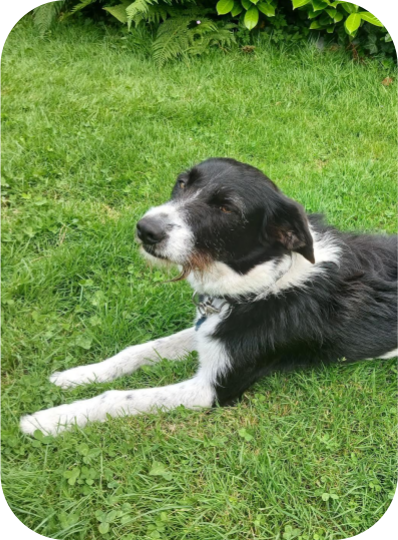
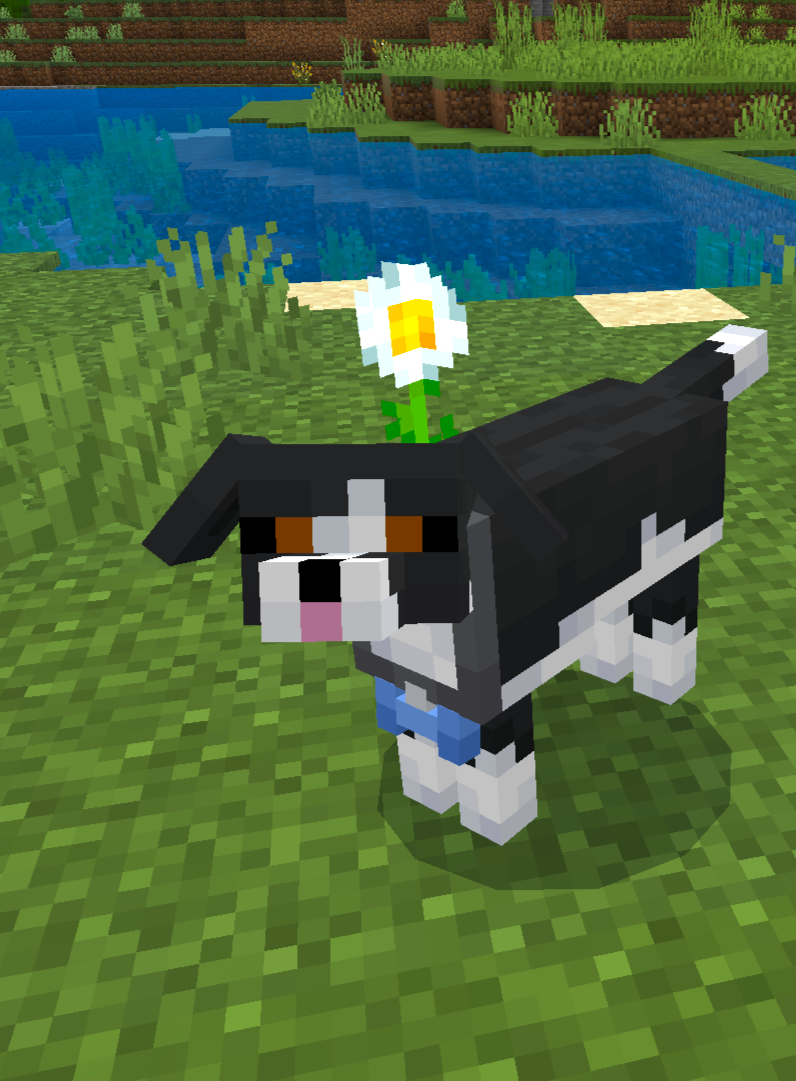
How to Download it
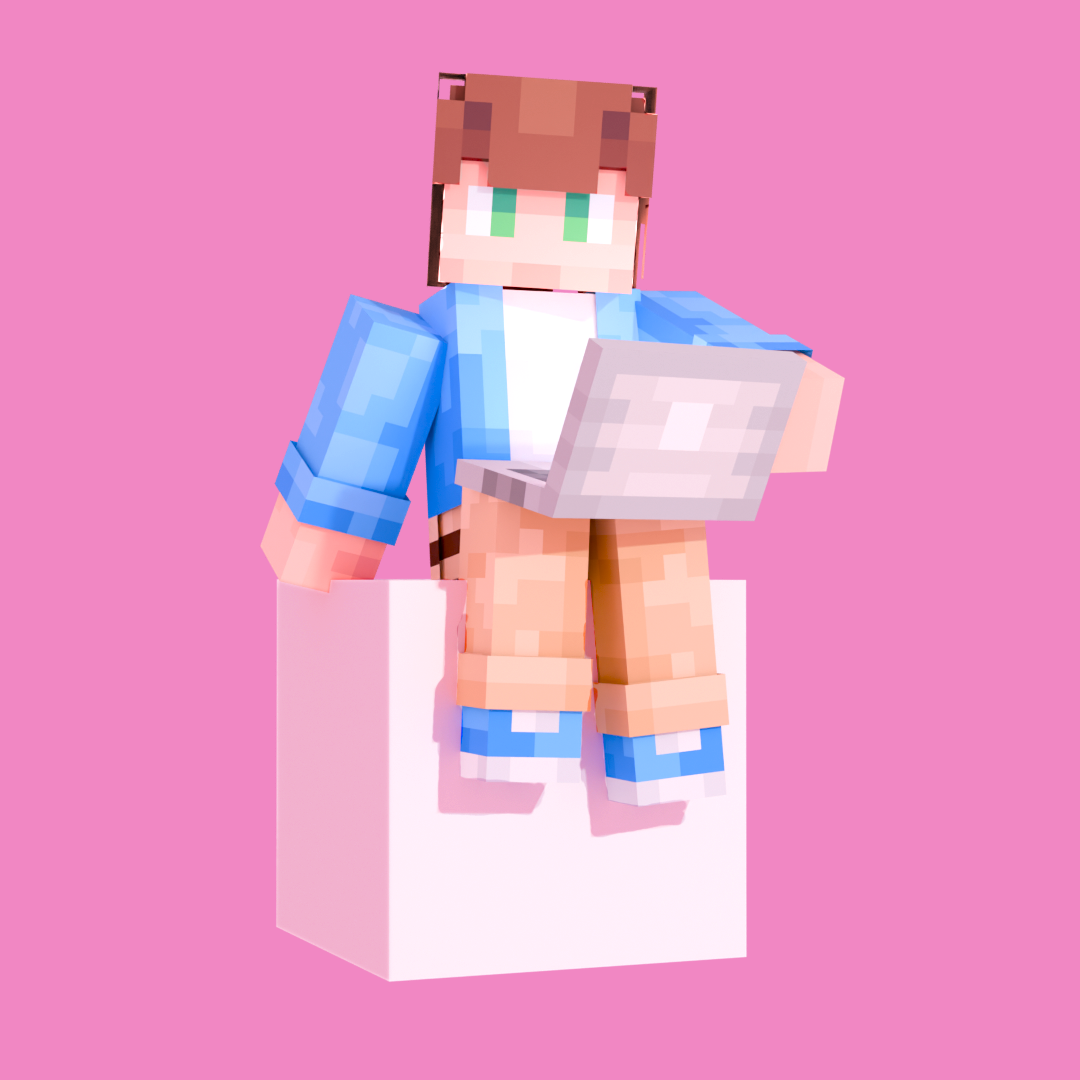
Open the survey and answer some simple questions about your pet
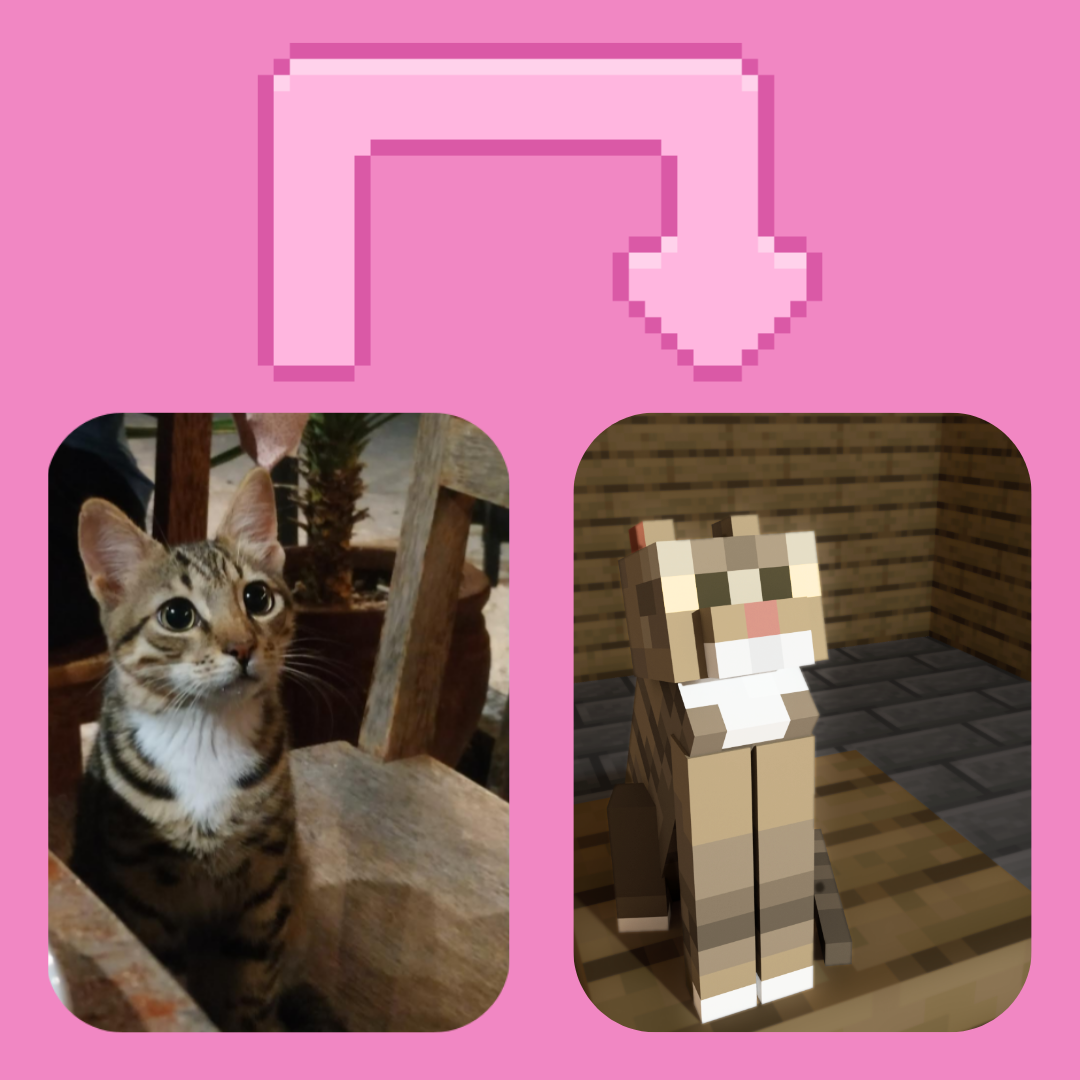
Wait until you recieve the email with the comfirmation and your pet’s identifier
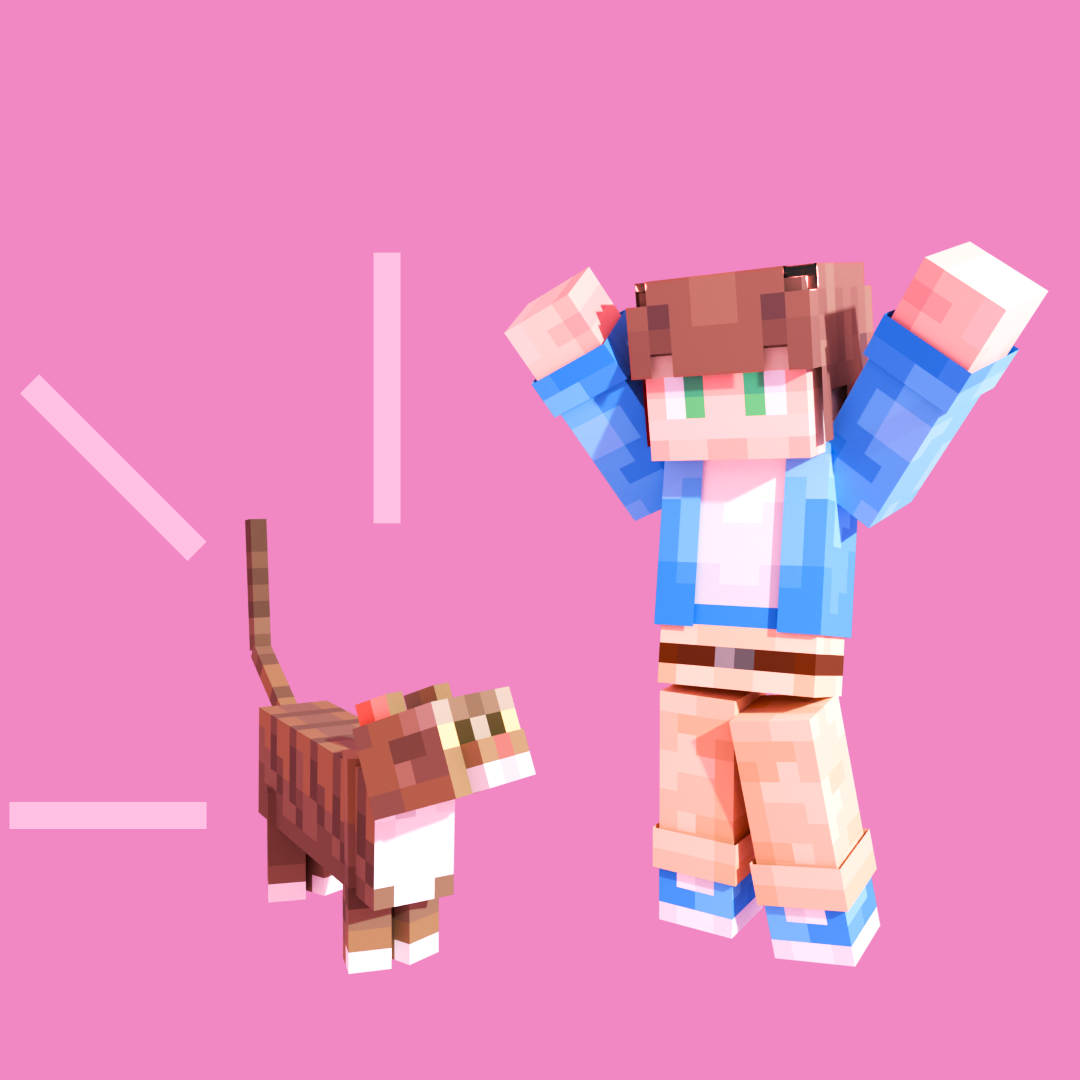
Download the Add-On and have fun with your pet!
Most Frequent Questions
Can I add my pet even if it is a rare species?
Of course, this Add-on supports all kinds of pets
How will I summon/find my pet?
The add-on is still in progress, but for the moment, you will be able to spawn it via commands
Will other people’s pets’ spawn eggs ruin the creative inventory?
This add-on doesn’t add any spawn eggs, so your inventory will be clean
What if I have more than one pet and I want to add them all?
Easy, just complete the survey multiple times until you added all your pets
Can I add a hair bow to my pet?
You can add any accesorie your pet wears, even more than one accesorie
What if my pet dies in the video game?
Your pet will be 100% immune to all kinds of damege in the game, so don’t worry about losing it
How can I edit my pet’s appearance after completing the survey?
Just open the «Edit Survey» and write what you want to change
More Details…
My Real Pet Add-On, as it’s name suggests, is a Minecraft Bedrock add-on which lets you add your real life pet to the game in a very simple way (only for PC and mobile devices). Here are the steps to follow:
- First of all, download the survey clicking on the «Start now!» button, and answer the questions.
- Second, you’ll need to wait until your 100% custom pet is ready to be added to the game (you’ll need to wait because we will be creating your custom pet in real time, from 0)
- When we are done with your pet, we will send you an email, which will tell you that your pet has been added to the add-on. There will also be an identifier to summon your pet. For example mypet:example_eg (make sure you enable cheats; and if you play survival, switch cheats off after you summon your pet for a better game experience). You will receive the instructions of payment.
- You will receive another email with the .mcaddon file. Download My Real Pet Add-On there.
- Select a Minecraft world or create a new one and activate both Behavior Pack and Resource Pack.
Now imagine, you have your pet in Minecraft, and everything is going well, but you buy your pet a new collar. Your pet would look outdated in Minecraft, right? Don’t worry! Follow these steps:
- First, click on the «Edit your pet!» button, and you will download the Edit Survey.
- Then, answer the questions (use the same email that you used in the previous survey).
- After that, you’ll need to wait until we create a new model and texture.
- When we are done, we will send you an email, which will tell you that your pet has been updated. We will also send you the new files in the same message.
- Download the sent files and have fun.
Something to know, is that this add-on’s mission is to make your adventure feel slightly better, with your custom real life loyal friend. We try to make the experience as vanilla as possible, which means your pet wouldn’t affect the gameplay by default.
The textures will also be vanilla inspired by default, but if you use a texture pack, we will try to replicate the pack’s style into your pet. Just let us know if you use texture packs in the survey.
The 1.1 Update gave us a brand new Subpack Option that lets you cahnge your pet’s appearance during Christmas. Here is how to change your pet’s appearance in Christmas:
Hidden text
- First, create a new world or select a pre-existing one, and enter it.
- Save & Quit.
- Click on the pencil icon to edit your world.
- Go to «Resource Packs» and click on My Real Pet Add-On Resource Pack Settings.
- Finally, select the mode you want with the label.
Hidden text
Hidden text
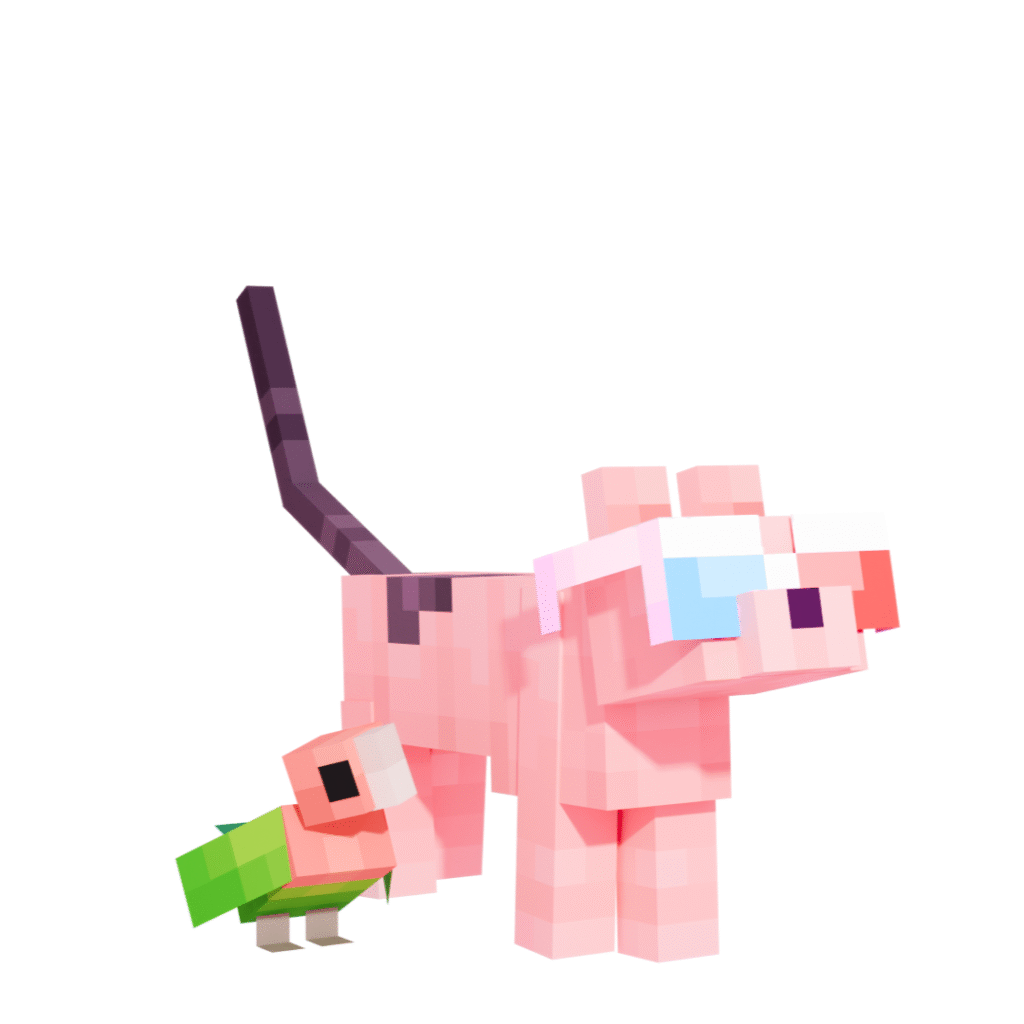
kuku
Other Languages
Español
kuku
Français
kuku
Changelog
1.0
- Created My Real Pet Add-On.
- Created two surveys, the Create Survey and the Edit Survey.
- Added translations to Spanish and French for those surveys.
- Added 7 custom pets from users.
1.1
- Added a new subpack settings option.
- Added the Christmas Mode option you can toggle in «Resource Pack Settings». This changes your pet’s appearance to a Christmas look.
- Modified the surveys.
- Modified My Real Pet Add-On’s in-game descriptions.
- Changed pitch for some pets’ sounds.
- Upgraded some textures and 3D models.
- The legs of some of the pets now are mirrored.
- Some pets move on a slower speed (bug fix).
- The Behavior Pack is no longer dependant on the Resource Pack (bug fix).
- A weird white border no longer appears on a pet’s model (bug fix).